
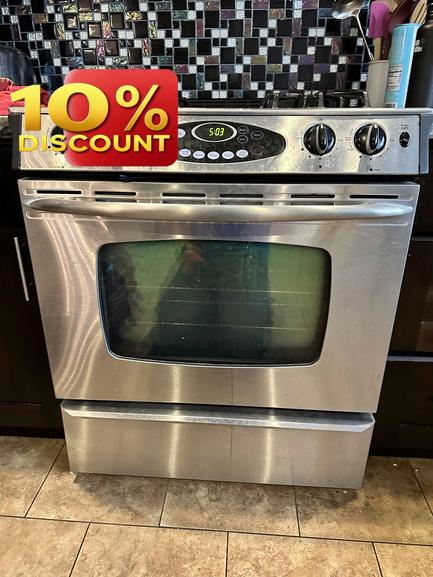
When your GE stove’s oven timer stops working, it can disrupt your whole meal routine. In Brisbane (94005), we know how important it is to have reliable kitchen appliances, especially for busy households. At Triton HVAC & Appliance Repair, our experienced team diagnoses and repairs these common issues every day. Here’s a practical guide on what you can check when your GE oven timer won’t cooperate—before calling in the pros.
First, let’s clarify what we mean by “oven timer.” This is the feature that lets you set a countdown, automatically shutting off the oven or alerting you when your set time is up (different than the clock). Many GE stove models combine digital touchpads and analog timers, so troubleshooting can vary depending on your model.
1. Power Supply and Control Panel An unresponsive timer sometimes signals a bigger electrical issue. Double-check if your stove’s display is lit and if the other controls (clock, burners, oven settings) work. If none of the electronics are working, you could be dealing with a tripped circuit breaker or a loose plug. Head to your breaker box and ensure nothing has been tripped; reset if needed. If power is flowing but the timer still isn’t working—while other functions do—keep reading.
2. Child Lock Feature or Settings Glitch Many modern GE stoves now have a control lock (or “child lock”) feature that temporarily disables some functions. Look for a lock symbol on the display or consult your appliance’s manual to confirm. Unlock the panel if applicable and test the timer again.
Sometimes, the control board needs a “power cycle” to reset minor glitches. Unplug the oven (or flip the breaker) for five minutes, then restore the power. This simple step can resolve digital hiccups that affect only the timer.
3. Timer Buttons or Touchpad With constant use, timer buttons or digital touchpads can wear out. Press each timer button firmly—do you feel resistance? Is the touch response intermittent or unresponsive? Food residue or grease buildup can interfere with these controls. For digital controls, gently clean the touchpad with a soft, damp cloth. For mechanical dials, try rotating the knob through its full range to free up any stuck mechanisms.
4. Timer Settings It’s easy to accidentally use the wrong setting or enter times incorrectly. Many GE ovens have multiple timer modes (kitchen timer, timed bake, delay start). Re-read the control panel labels and try each timer option. Make sure you’re not in a “delay start” or “timed bake” mode if you just want a basic countdown.
5. Firmware or Electronic Control Board Malfunction If your timer remains unresponsive after these checks—especially when the display works and other functions are normal—the timer circuit itself may be malfunctioning. On digital models, this could point to a control board failure; on older stoves, it might be a mechanical timer issue. Electronic repairs like these are best left to experienced technicians, as the components can be delicate and require specialized tools.
When to Call a Pro Sometimes a non-working oven timer is just the most noticeable symptom of a deeper electrical or control board problem. If you’ve run through these steps and your GE stove still won’t cooperate, it’s time to call in local expertise. Our Triton HVAC & Appliance Repair team has resolved countless timer issues for GE and other brands in the San Francisco Bay Area, including Brisbane.
Every service starts with a clear explanation and a flat-rate $89 service call (waived if you approve the repair). We back appliance repairs with a 180-day labor warranty, so you can trust our experienced technicians for a job done right the first time.
Don’t let a broken timer throw off your kitchen routine! Book your GE stove repair at https://triton-home-services.com or call us at (888) 993-5699 today. Brisbane residents can count on prompt, professional appliance service—so you can get back to cooking with confidence.