Payment

Pay your invoice

Zelle or Venmo — scan the code, or use the button if you're on your phone. Please put your invoice number in the payment note so we can match it to your job.

Same-day appointmentsLicensed & insured

Add your invoice number to the note. It starts with INV — for example INV-1011— and it's how we tell your payment apart from everyone else's.

Zelle

Open Zelle in your bank's app and scan this code.
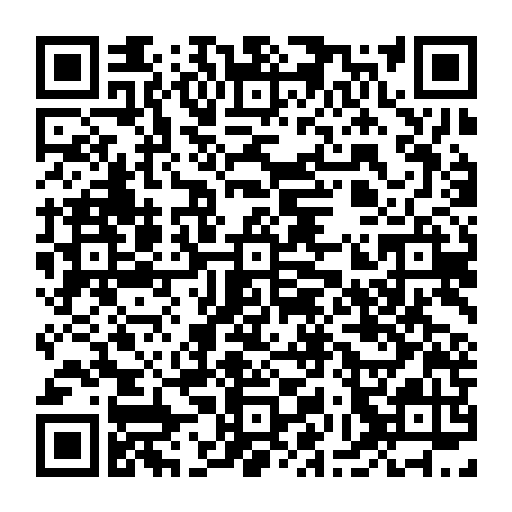
Zelle QR code — pays TRITON APPLIANCE REPAIR LLC

Your bank will show the recipient as TRITON APPLIANCE REPAIR LLC before you confirm. If it shows any other name, stop and call us.

On your phone and can't scan your own screen? Call us at (888) 993-5699 and we'll give you the Zelle details.
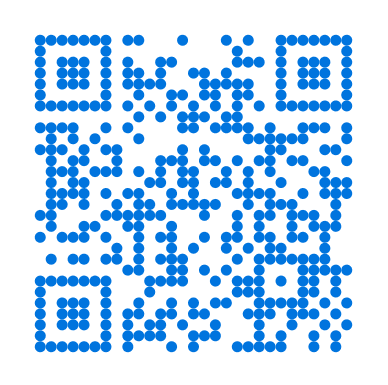
Paying by card?

Use the secure payment link in the invoice we sent you by text or email — it's made for your invoice, so the amount is already filled in. Lost it? Call us and we'll send it again.

Questions about a bill? Call (888) 993-5699

CallBook online